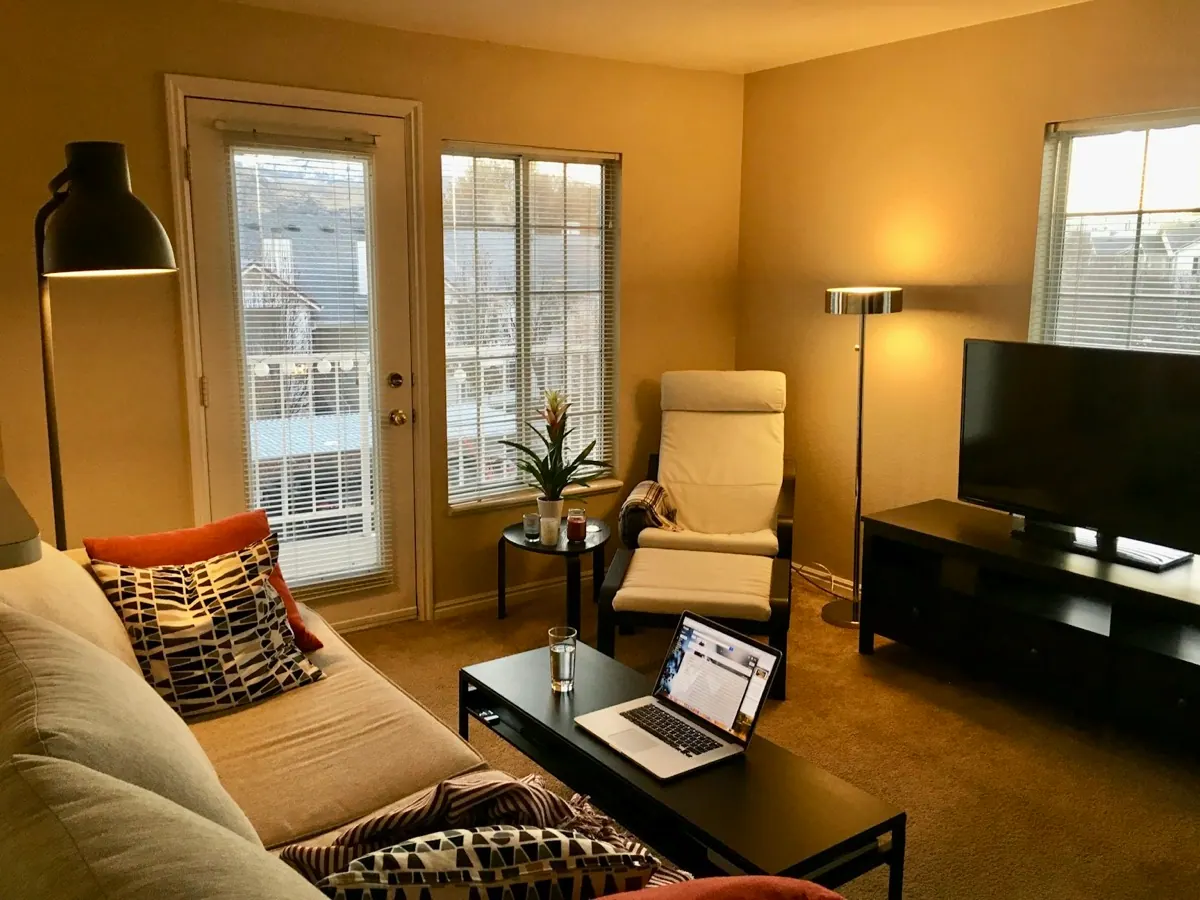
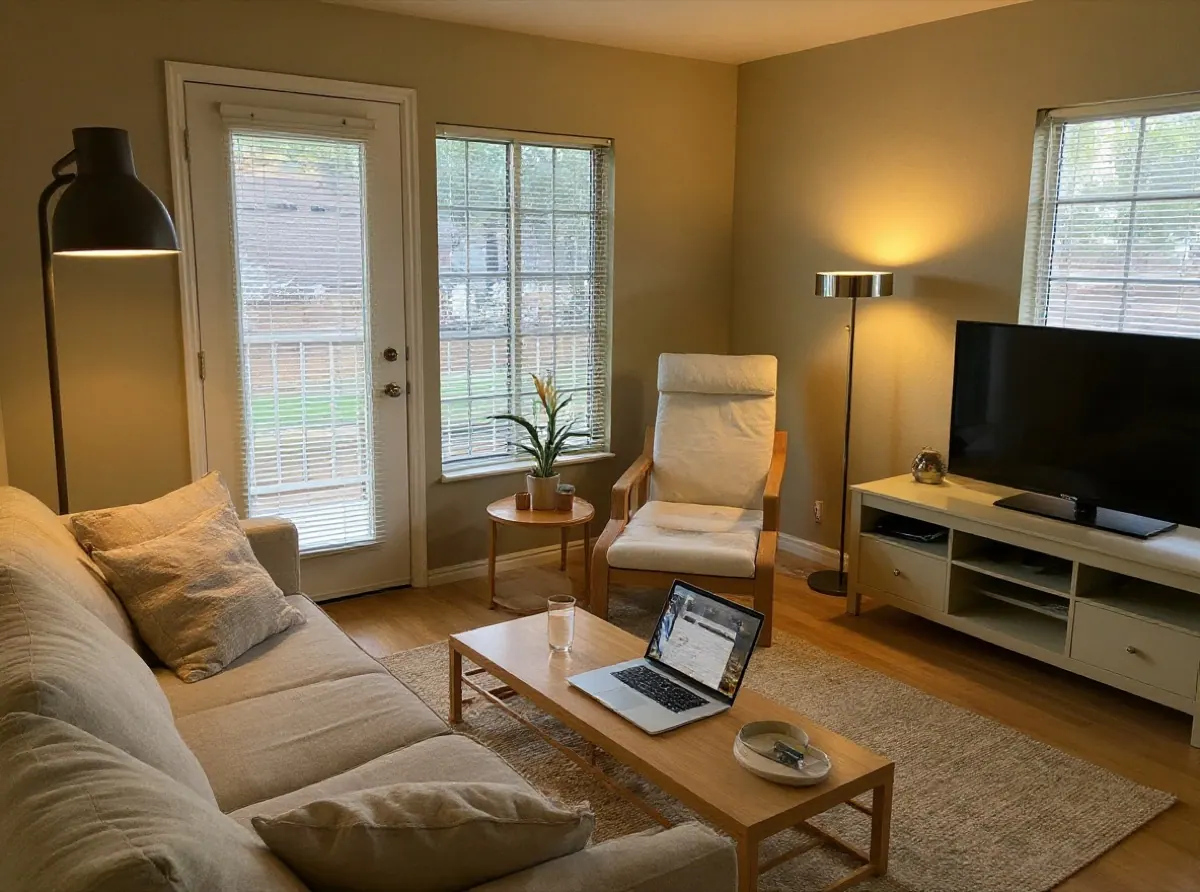
 BEFOREAI DESIGN
AI Room Design
Restyle a furnished room from a photo in six interior styles.
Change the color of a wall, sofa, cushion or rug in a room photo and keep everything else exactly as it is. See a new color in the room before you paint or buy.
Upload your room, or click an object in the sample. Runs in your browser: nothing is uploaded, no account, no credit.
BEFOREAI DESIGNRestyle a furnished room from a photo in six interior styles.
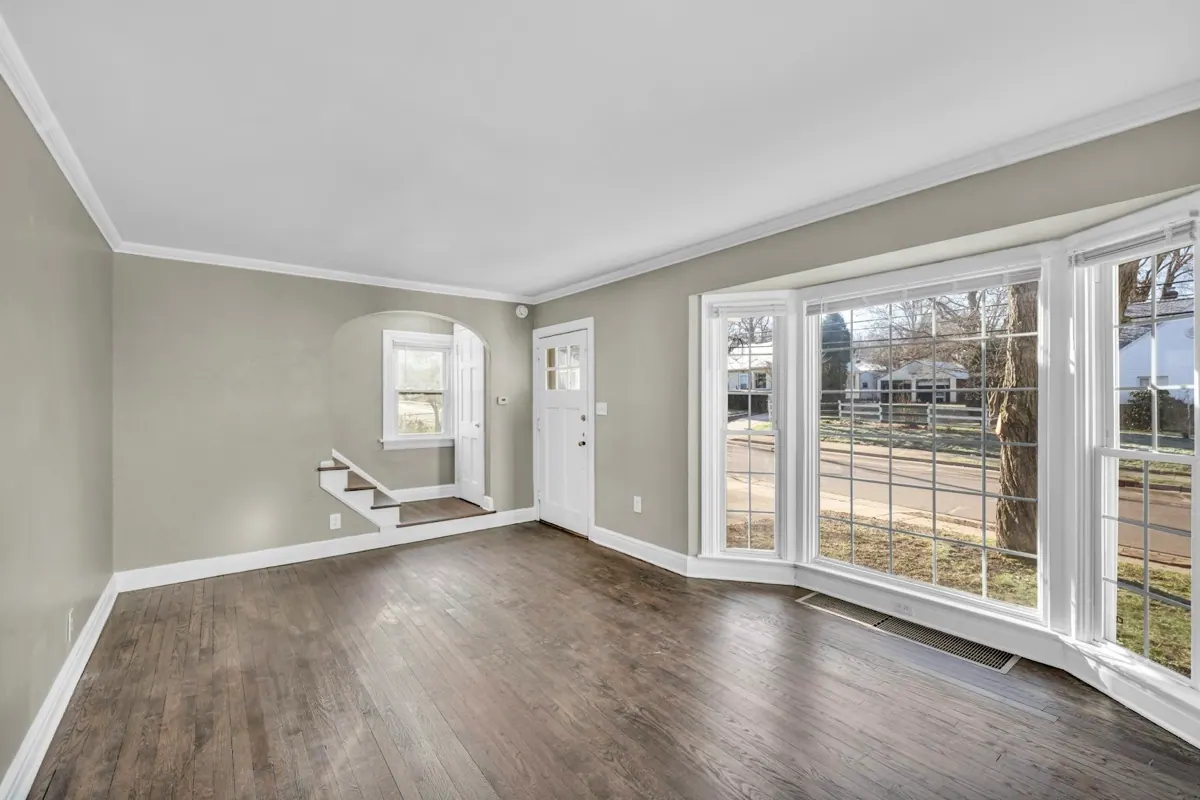
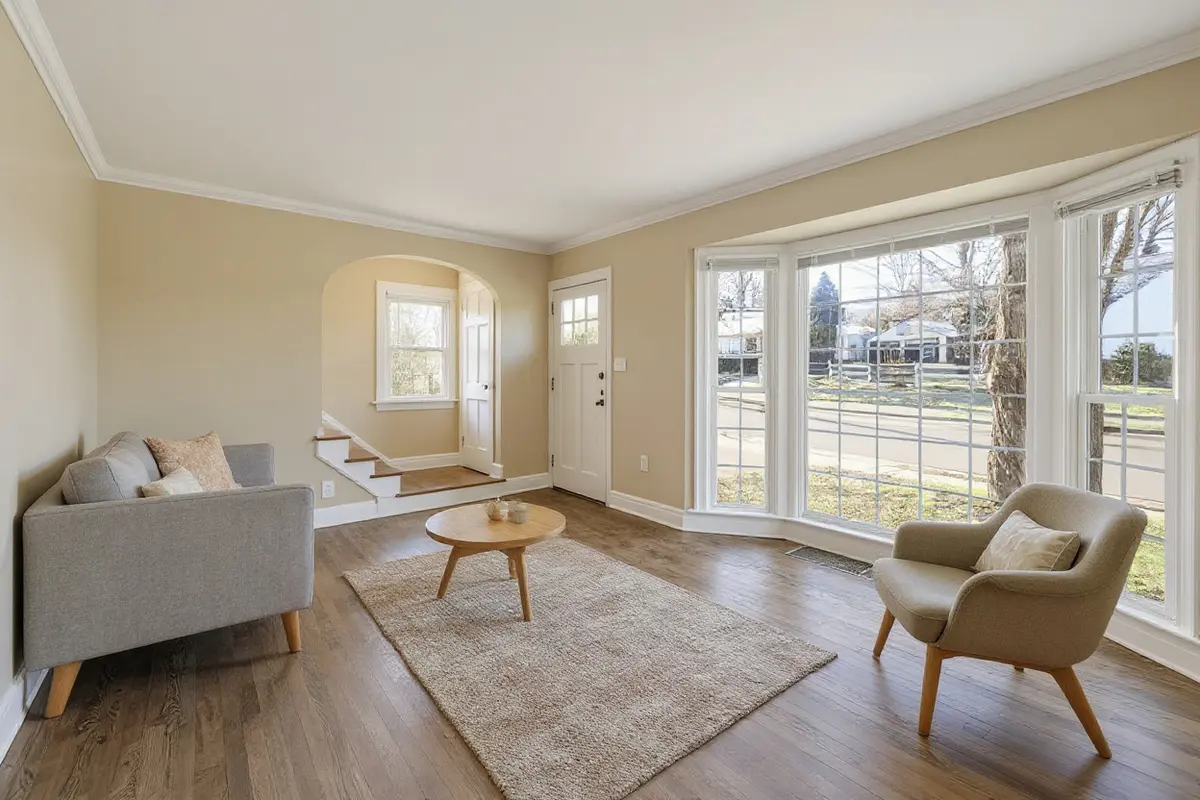 BEFORESTAGED
Add furniture, a rug and lighting to a photo of an empty room.
Three clicks from a room photo to a new wall or furniture color.
Choose a photo of your room, or start with the sample. Then click a wall, sofa, cushion or rug.
Only the object you clicked changes. Click another object to recolor that one too.
Try a few colors before you buy paint or fabric, then reset to start again.
Upload a photo of your room above, click a wall, chair or rug and try colors without redesigning the room or spending a credit. Click more objects to recolor several at once.
Like the colors but want a whole new look? Generate a full redesign in one of six styles, or use AI virtual staging to furnish an empty room first.
What it changes, what it costs and how close the colors are.
Yes. Recoloring runs in your browser: your photo is not uploaded, and there is no account and no credit.
Yes. Choose Upload your room at the top of this page, then click the wall. Your photo stays in your browser and is never sent to our servers.
No. Only the selected wall or object is tinted. Furniture shapes, textures, light and the rest of the room stay exactly as they were.
Not exactly. Screens, lighting and the photo itself shift colors, so treat the result as a visual color study and check a physical sample before you buy.