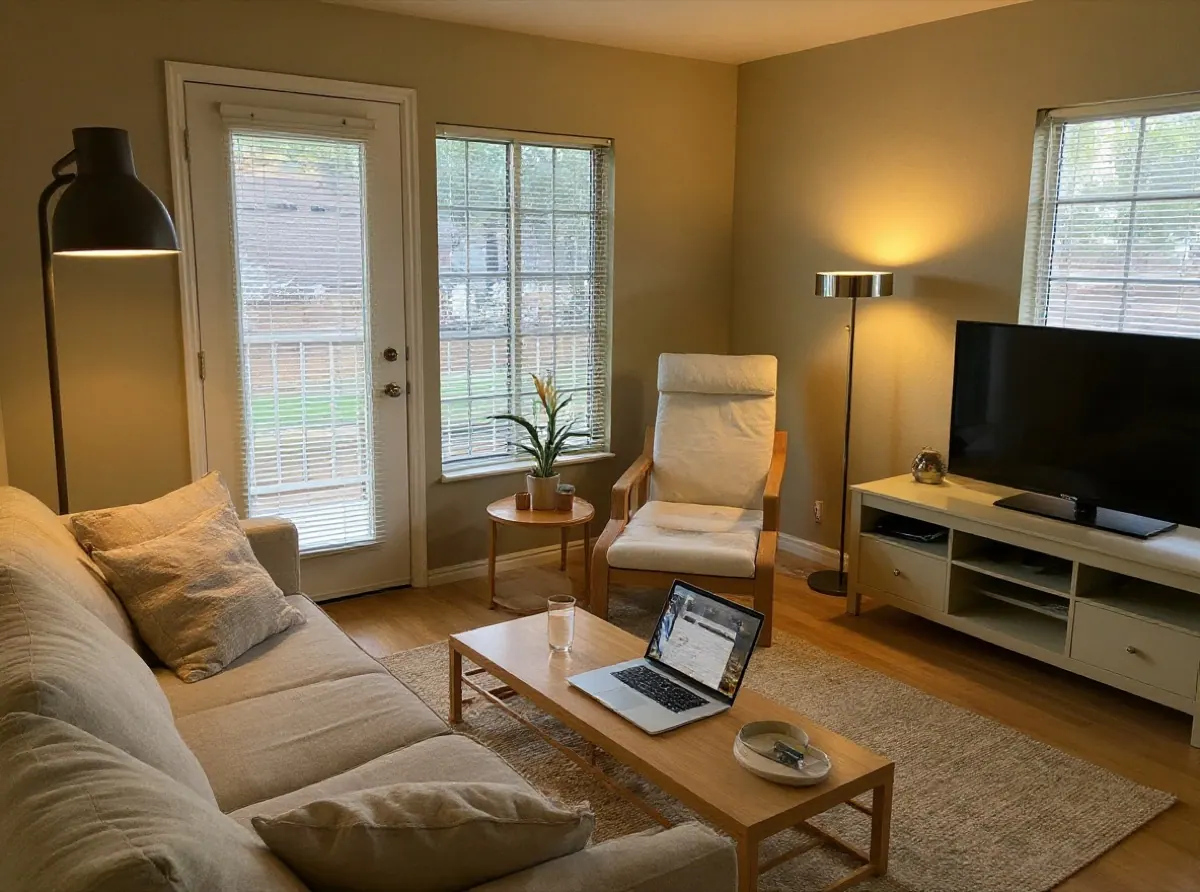
AI can show you what your room could look like in a new style in under a minute. It works from a single photo, so the quality of the result depends far more on that photo and a few choices you make than on any setting buried in a menu.
This guide walks through the process we use ourselves, with real examples made with this tool.
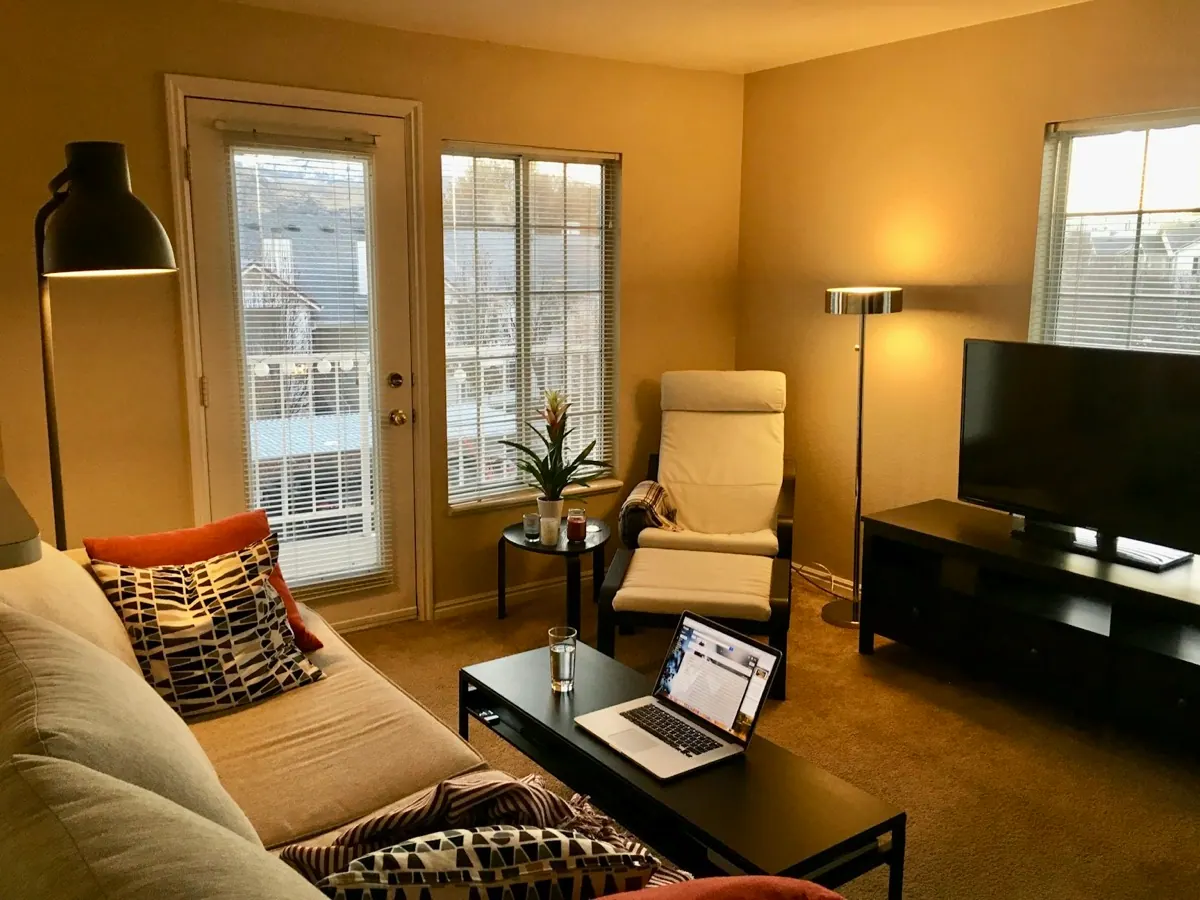 BEFOREJAPANDI
What AI room design can and cannot do
AI room design takes a photo of your room and returns a new picture of the same room with different furniture, colours and decor. It is best at answering one question quickly: what direction do I want this room to go in?
It is not a floor plan. It does not measure your room, the furniture it draws is not a specific product, and it can occasionally move a window or invent a detail. Treat each design as a mood board that happens to be shaped like your room.
Step 1: Take a photo the AI can work with
The photo matters more than anything else. A good room photo has:
- A corner viewpoint. Stand in a corner at chest height so the photo shows two walls and the floor. A straight-on shot of one wall leaves the AI guessing about depth.
- Daylight. Open the curtains and turn on the lights. Dark, grainy photos turn into muddy designs.
- A level camera. Keep the phone upright. Tilted verticals make walls look like they lean, and the design inherits the tilt.
- The whole room, not a close-up. Include the windows and doors you want to keep, so the AI can keep them.
- Normal mess is fine. In Room Redesign the existing furniture is replaced, so you do not need to tidy up first.
JPG, PNG, WebP and iPhone HEIC photos all work, up to 15 MB.
Step 2: Choose the right task
There are two different jobs, and picking the right one changes the result:
- Room Redesign restyles a room that already has furniture. Old pieces are removed and replaced with a new set in the style you choose.
- Virtual Staging furnishes an empty room. It adds furniture, a rug and lighting but keeps the floor and walls as they are.
If you run staging on a furnished room, it will not clear the furniture first. Use redesign instead.
Step 3: Tell it which room it is
Choose the room type that matches your photo. It sounds obvious, but the AI follows it closely: in our own testing, a bedroom photo labelled "living room" came back as a living room, with the bed swapped for a sofa and a TV. That is why the tool asks you to choose the room type for every new photo instead of guessing.
Step 4: Compare a few very different styles
The fastest way to find a direction is to try styles that really differ, rather than five shades of the same look. Here is one bedroom in every style the tool offers:
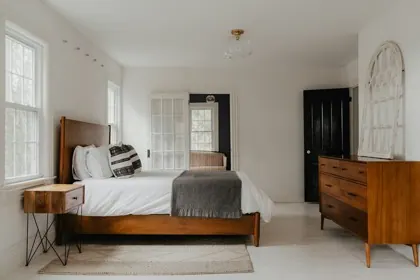 Original
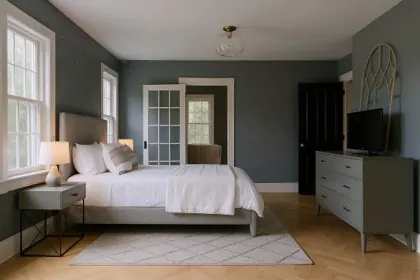 Modern
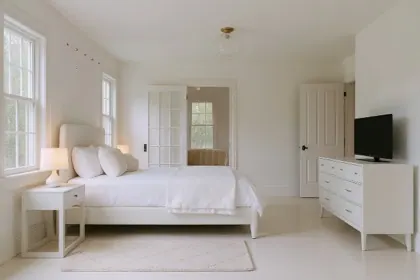 Minimalist
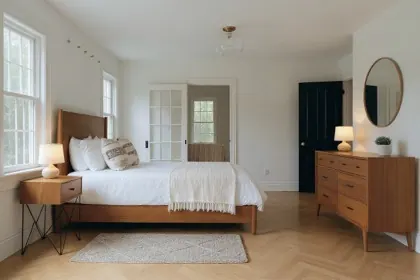 Scandinavian
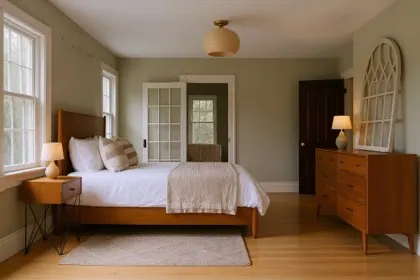 Japandi
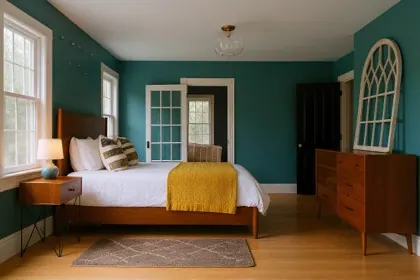 Mid-century
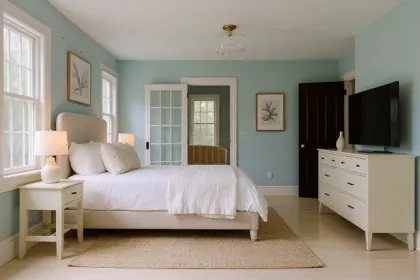 Coastal
Notice what stays the same in every version: the windows, the French doors and the camera angle. What changes is the furniture, the wall colour, the bedding and the decor. That is the comparison you want to make.
Step 5: Read the result like a designer would
When a design comes back, drag the slider and check four things:
- Structure. Are the windows, doors and walls where they are in your room? If something moved, try again; each try is a new version.
- Scale. Does the sofa look like it would fit? AI furniture is often a little smaller or larger than real pieces.
- Light. Is the light coming from your windows? Designs that invent a light source are harder to trust.
- The one thing you love. Most designs have one idea worth keeping: a wall colour, a rug, a lamp. Write it down.
Step 6: Refine with a short note
If a design is close, add a short note such as "keep the wooden floor" or "add a green sofa" and try again. Change one thing at a time; long, contradictory notes give muddled results.
Step 7: Turn the picture into a plan
A design is a starting point. Before you buy anything:
- Measure the room and the furniture you like.
- Use the wall colour as a guide and test real paint samples in your light.
- Save the versions you liked and compare them a day later.
Frequently asked questions
Is AI room design free? On this site, every new account gets 2 free designs, and you can try the sample rooms without an account. After that, credit packs start at $9.99 for 60 designs with no subscription.
How long does it take? Most designs finish in under a minute.
Will it keep my windows and doors? It is asked to keep the layout, windows, doors and camera angle, and usually does. AI can still shift details, which is why the before/after slider matters.
Can I use it for a rental listing? Yes, for rooms you have the right to photograph. Label AI or virtually staged images as such; many listing platforms require it.
Read more
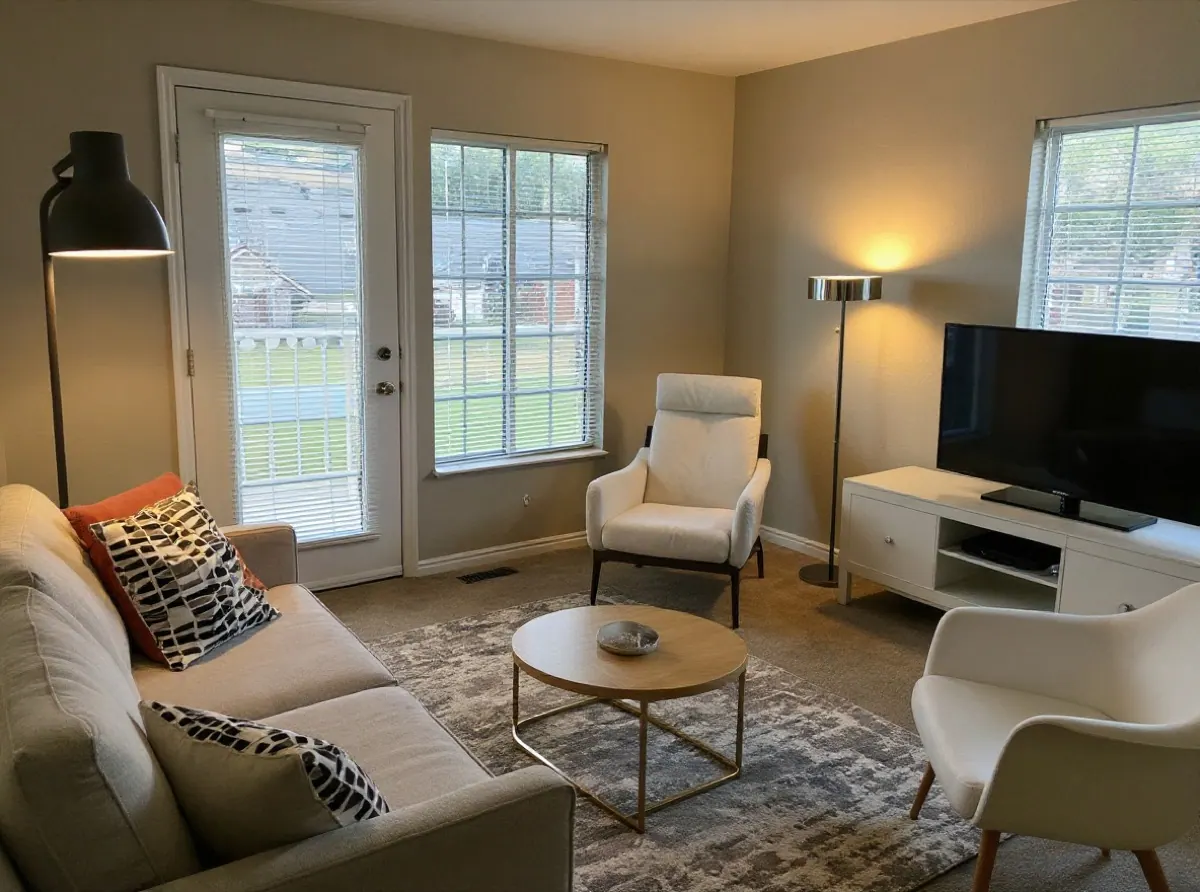
What We Learned Testing AI Room Design on Real Rooms
Behind the scenes of building an AI room designer: why early designs changed too little, how one word added ceiling beams, and why we dropped the industrial style.
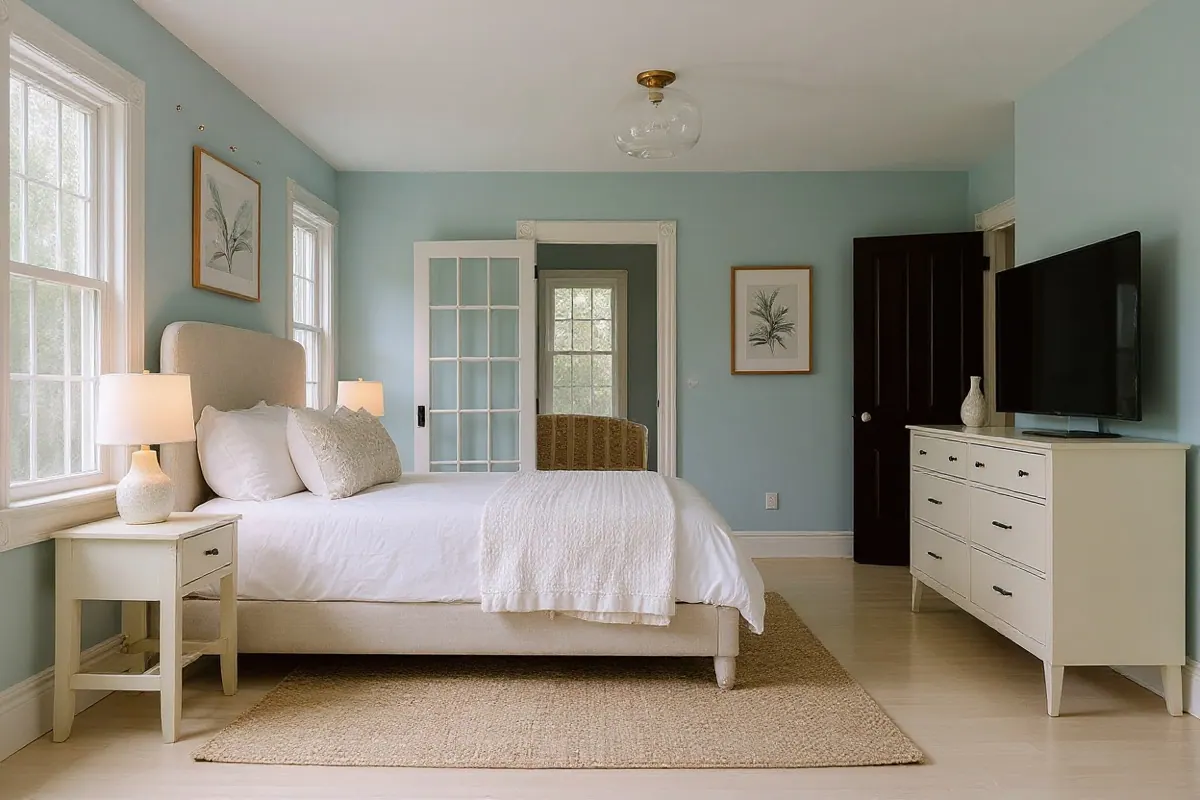
AI Room Design Tools Compared: What to Check Before You Pay
Interior AI, Decoratly, REimagineHome, Planner 5D, RoomGPT and AI Room Design compared on what matters: free trial, real price, subscription or not, and how well they keep your room.
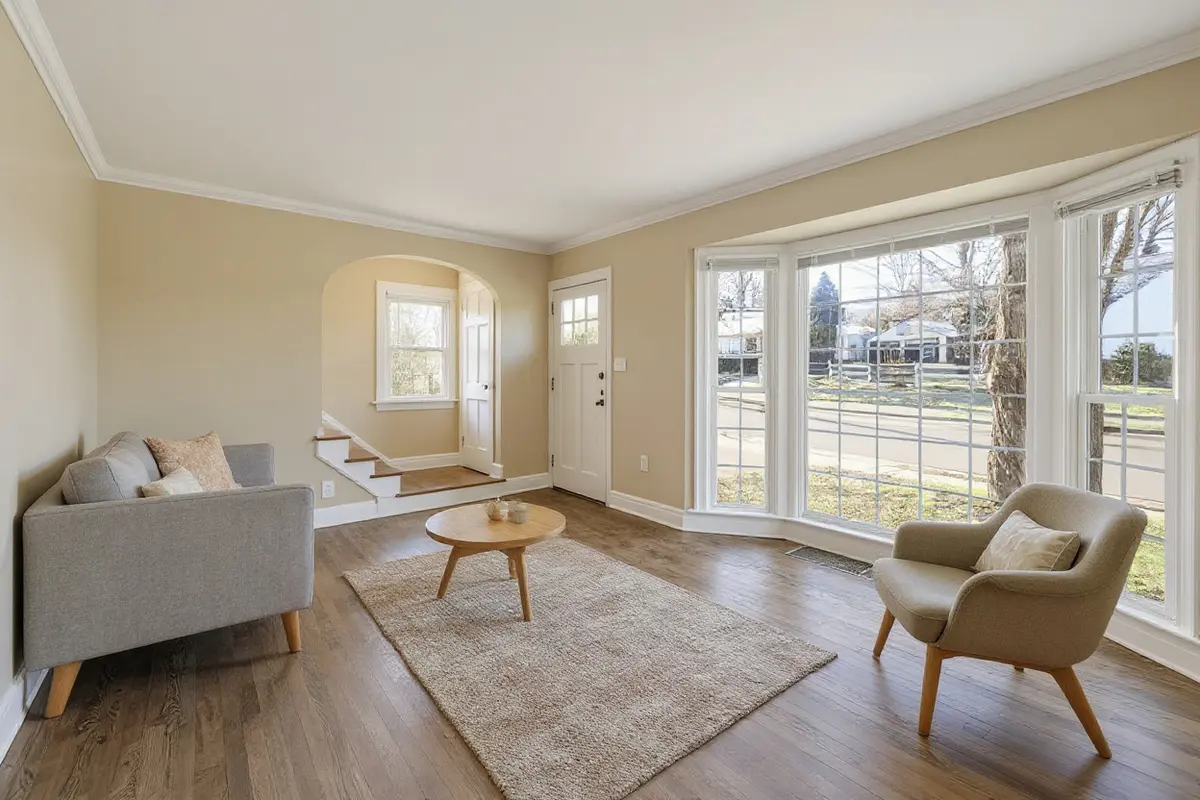
AI Virtual Staging: How to Furnish an Empty Room From a Photo
A practical guide to AI virtual staging for empty rooms: what to photograph, which style to choose for buyers or renters, and how to label staged photos honestly.