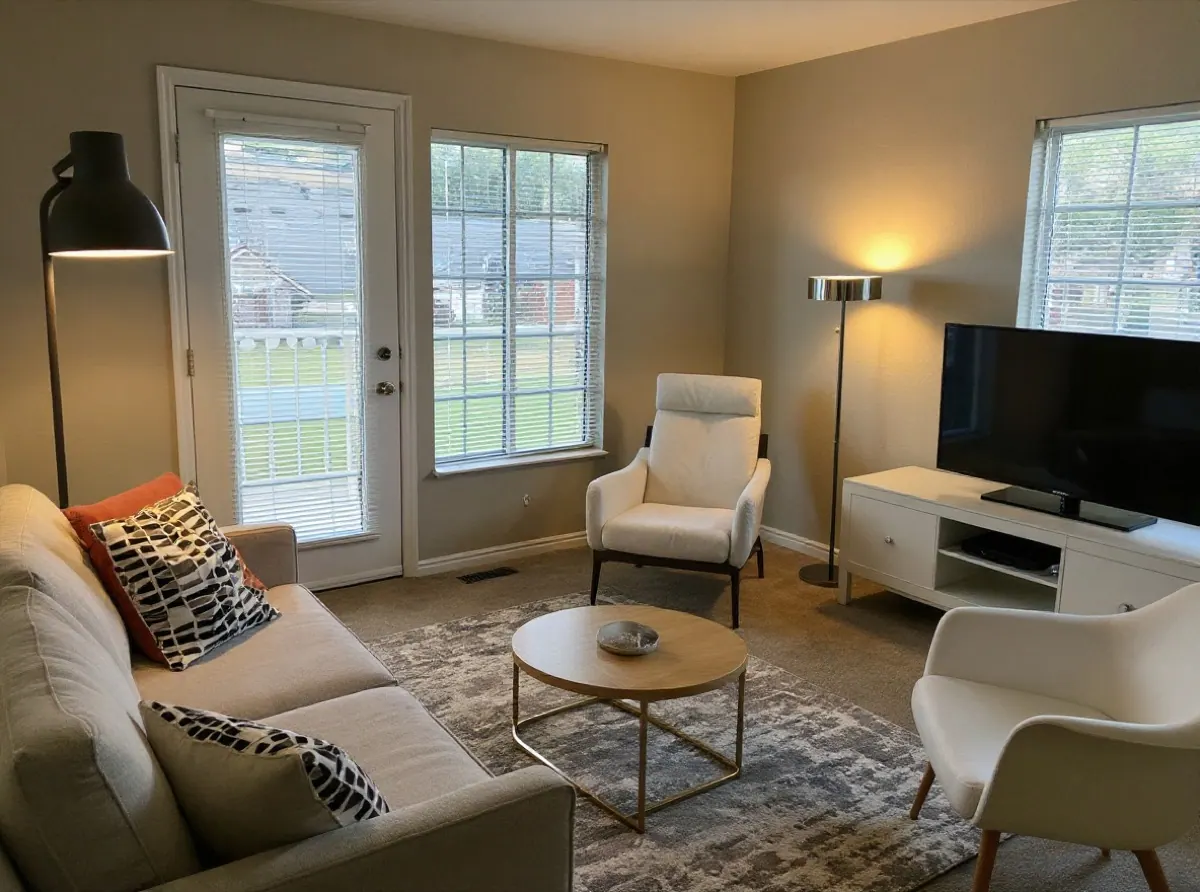
Before launching AI Room Design, we ran the same three real room photos through every style, again and again, and changed one thing at a time. A few results surprised us, and they explain why the tool works the way it does.
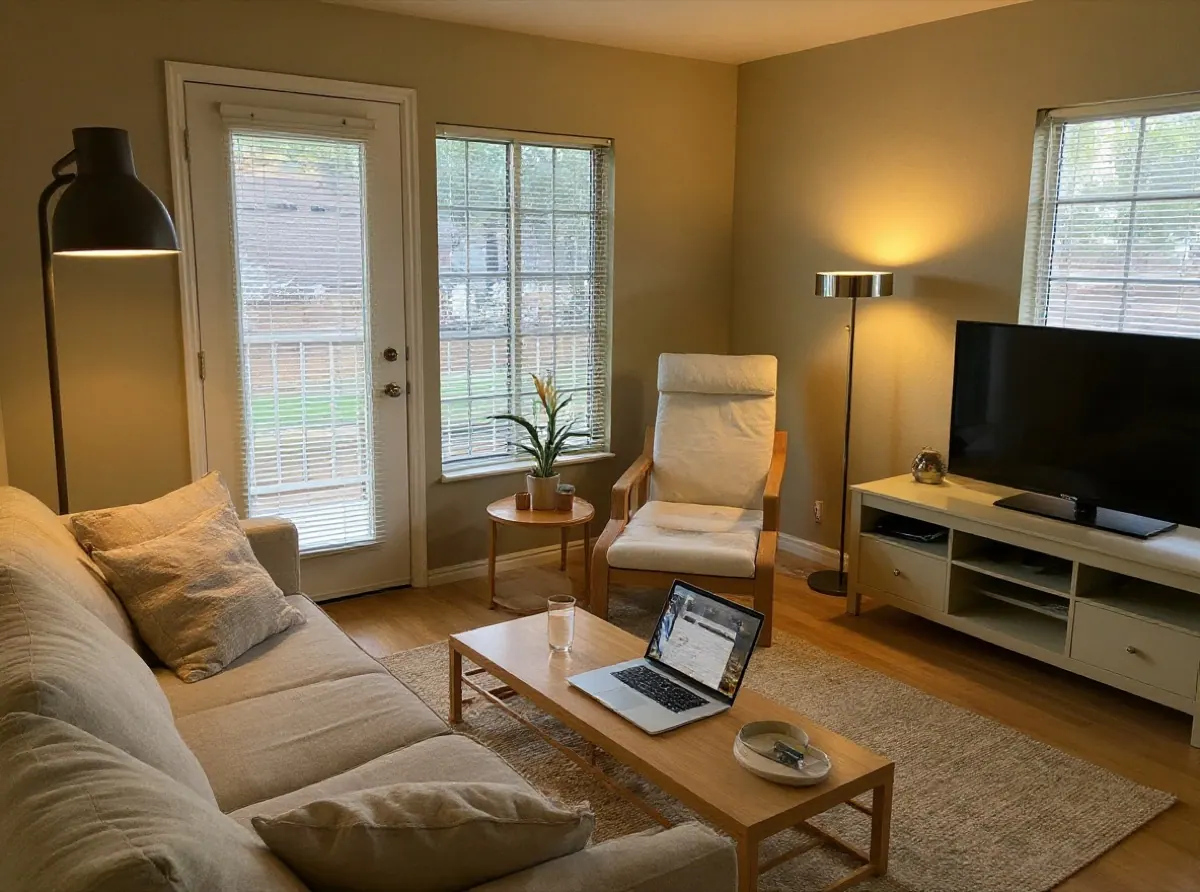
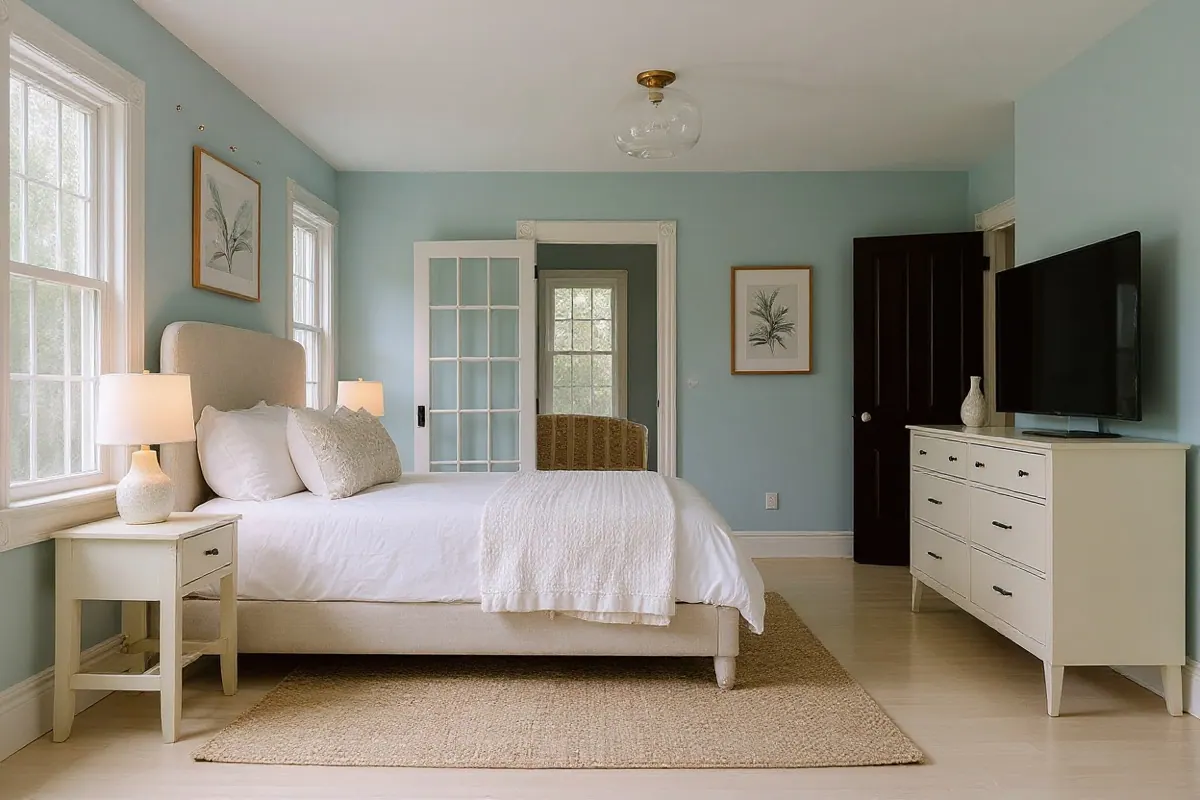
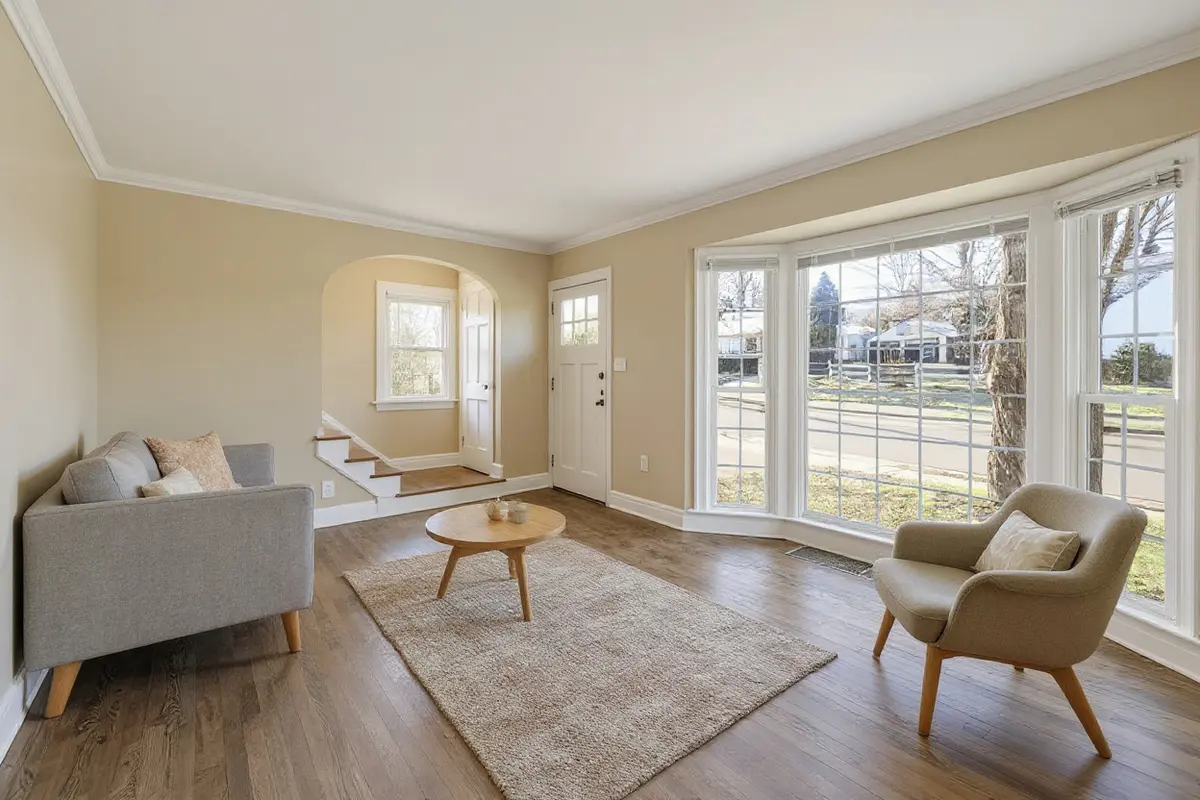
The photos were a lived-in living room, a bright bedroom and an empty living room with a bay window, all from Unsplash. Every image on this page came from those tests.
1. The first designs changed almost nothing
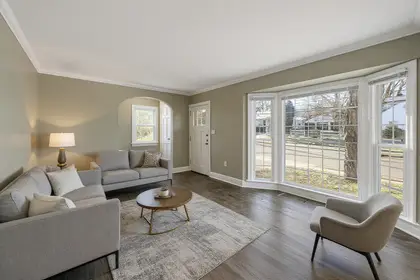
Our first instructions asked the AI to "replace the furniture, decor and colours" while keeping the room. It kept the room perfectly. It also kept almost everything else: the modern version of the living room was the same room with a white coffee table.
That looks safe in a demo and feels like a wasted credit in real life. So we made the instruction explicit: remove all existing furniture, rugs, lamps and clutter, replace them with a complete new set in the chosen style, and repaint the walls. Designs now change noticeably more, though the AI still keeps some pieces, like the cushions here.
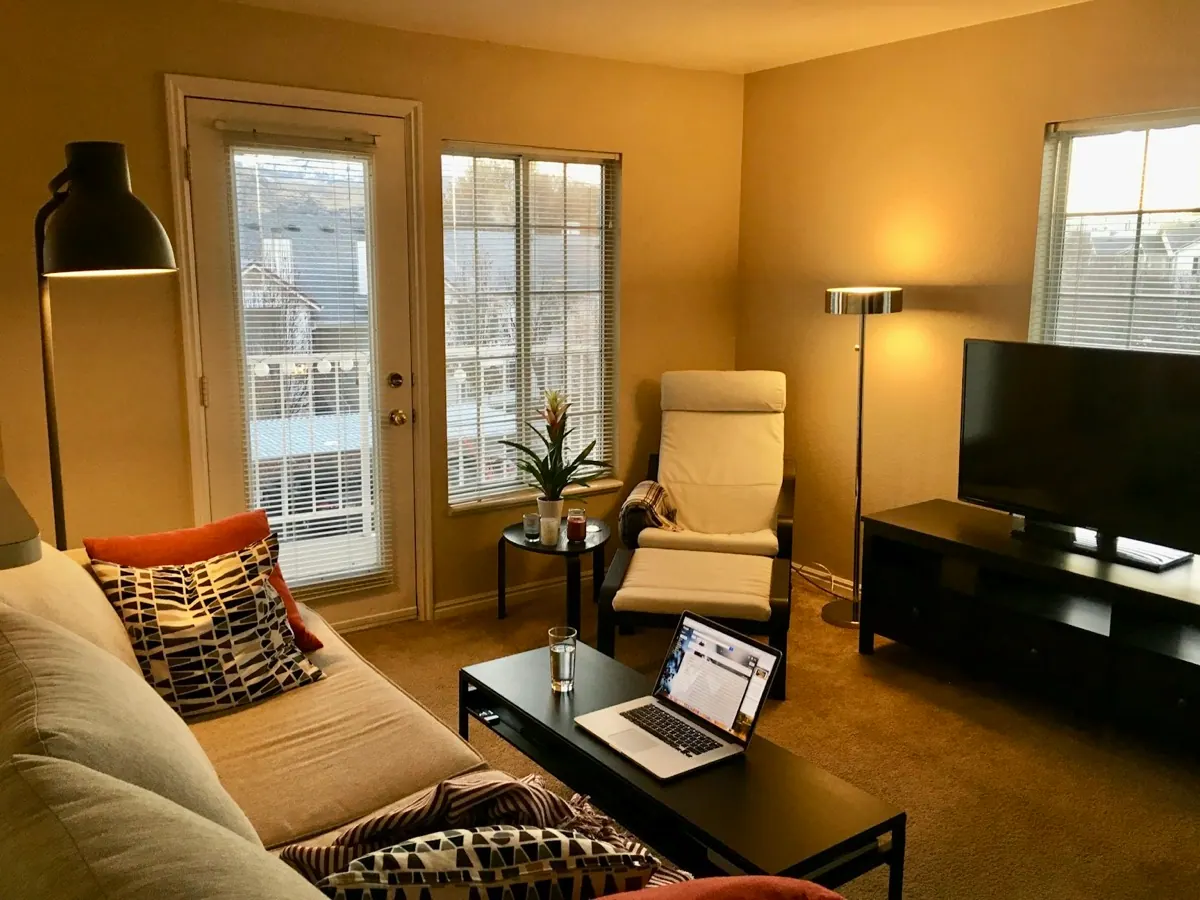 BEFOREMODERN
2. Telling the AI what not to do backfired
Japandi designs kept arriving with wooden ceiling beams, so we added "do not add beams or wood panelling". The next batch had more beams, and one empty room lost its bay window to a pair of timber doors.
Image models respond to the words in an instruction, including the ones you put after "do not". Mentioning beams made beams more likely. The fix was to describe what should be there instead: keep the flat painted ceiling, and keep every window and door in the same place, shape and size. With that wording, the beams disappeared.
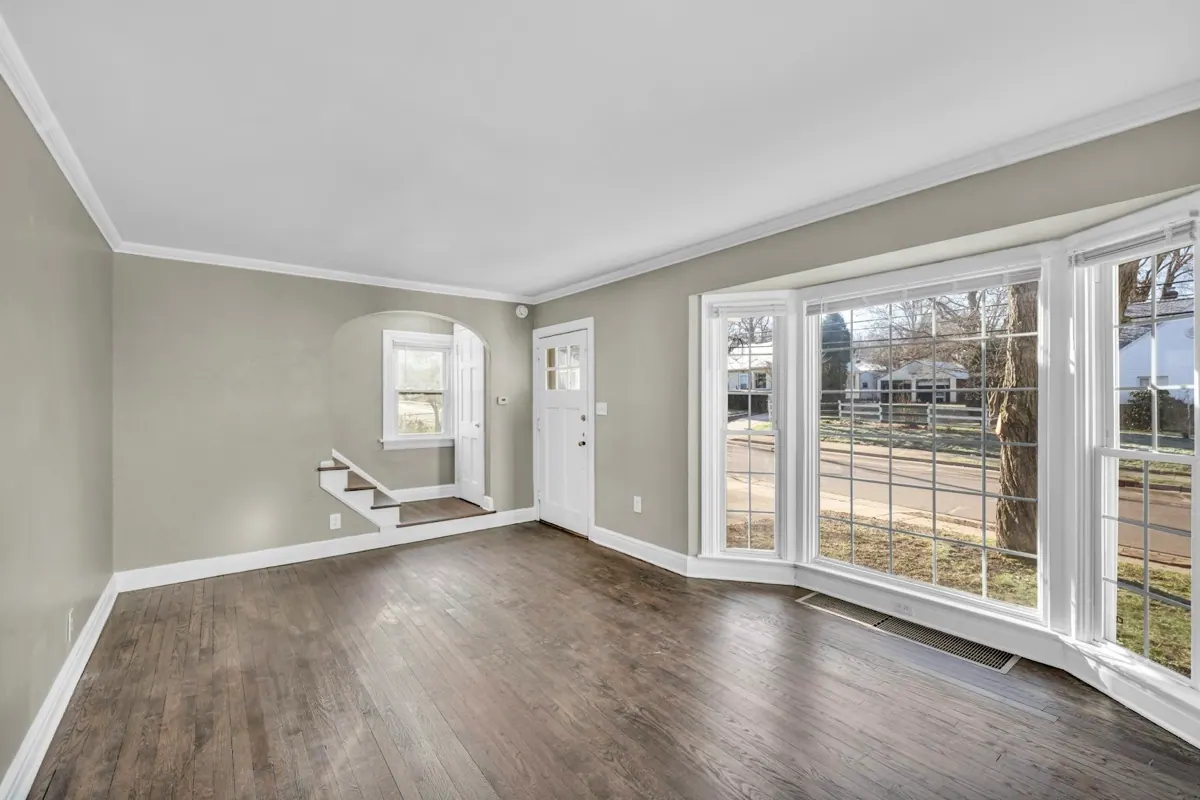
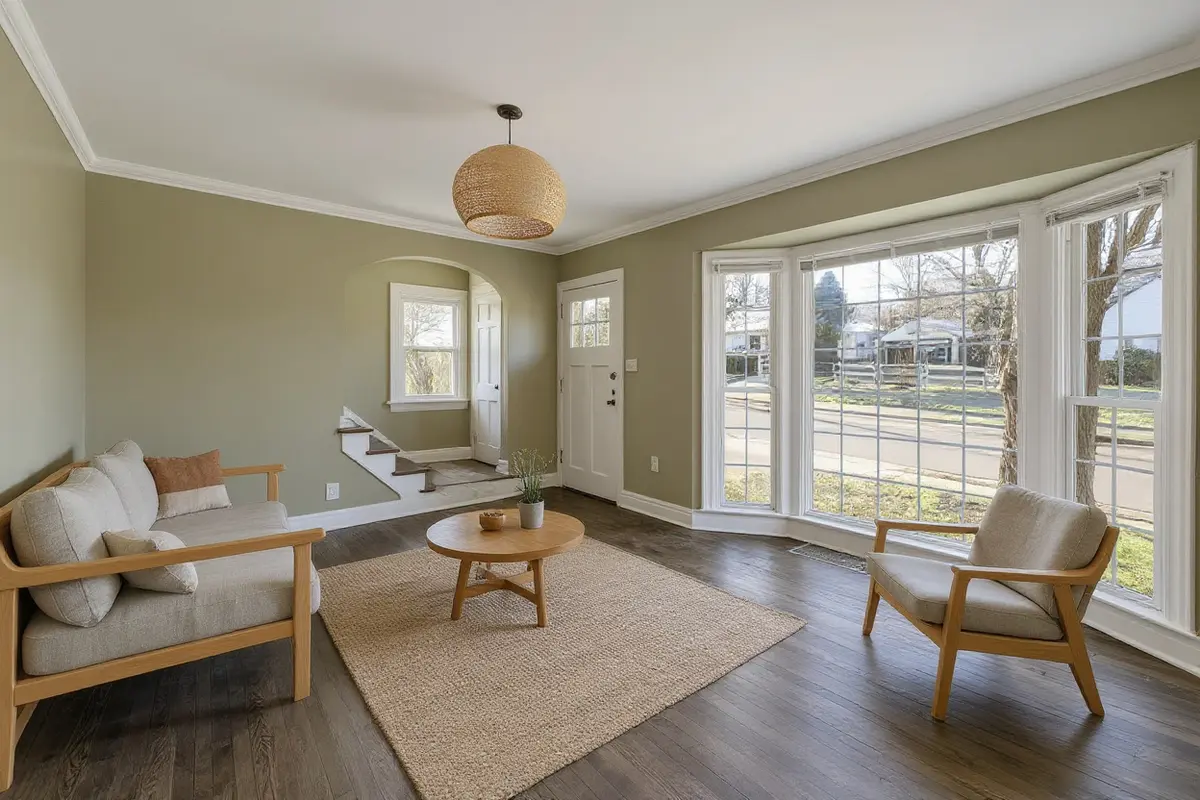 BEFOREJAPANDI
The same thing happened with floors. Our staging instruction originally said "do not change the floor", and some staged rooms came back with a lighter floor than the real one. Rewriting it as "keep the existing floor exactly as it is, with the same material and colour" made it far less common, though not impossible; the before/after slider is still the best check.
Takeaway for your own notes: write what you want ("keep the wooden floor"), not what you do not want ("no carpet").
3. Putting the rules first made designs timid
We also tried moving the "keep the room exactly as it is" rules to the start of the instruction, on the theory that the AI would weigh them more. It did, a little too much: the living room barely changed and the bedroom only got a new wall colour. The best results came from describing the redesign first and the structure rules second.
4. We dropped the industrial style
Industrial is a popular style, so we tested it hard. It never behaved. Brick walls, black ceilings and exposed ducts kept appearing, and in one test the bay window vanished entirely. That is not a wording problem: those architectural features are what industrial is.
Since the promise of this tool is that your room stays your room, we replaced industrial with mid-century modern, a style defined by furniture and colour rather than by the building.
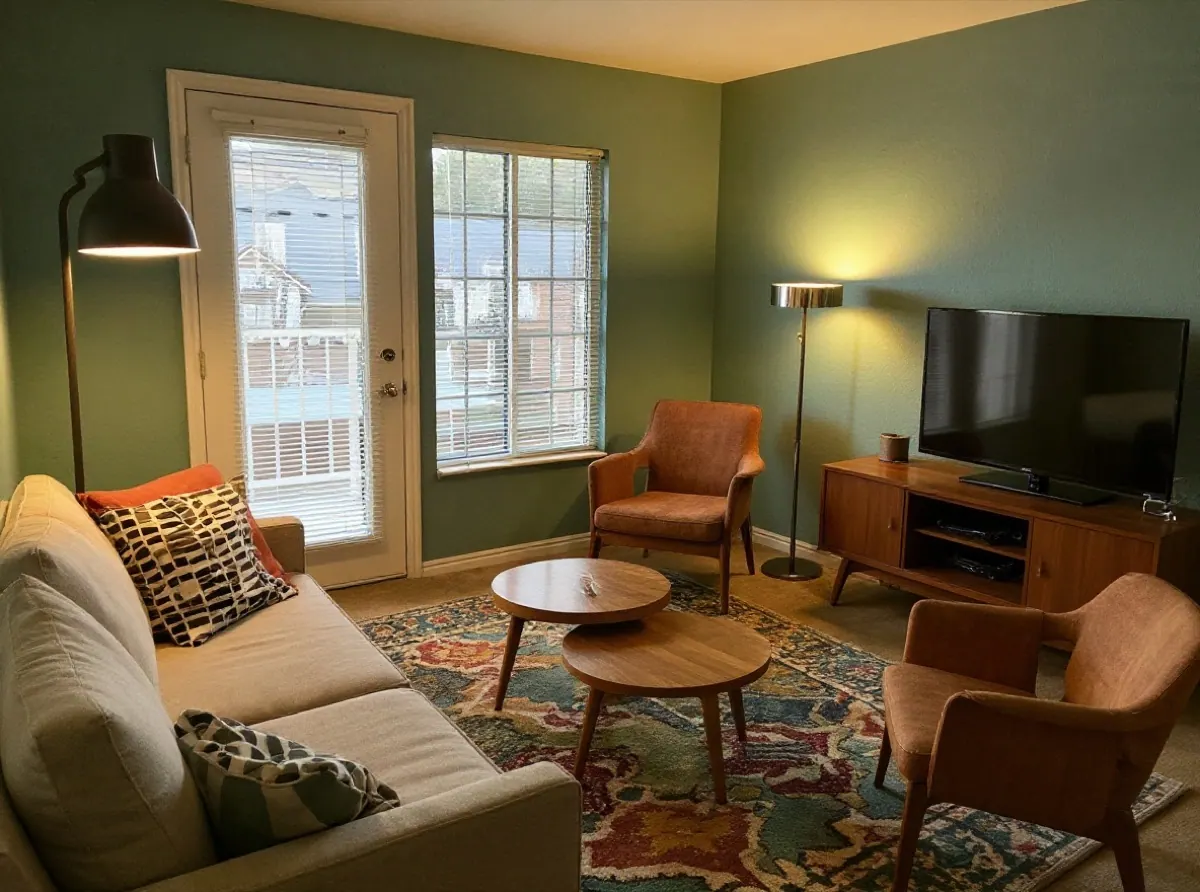 BEFOREMID-CENTURY
5. The room type matters more than you would think
In one test we uploaded a bedroom photo and left the room type on "living room". The AI did exactly what it was told and turned the bedroom into a living room, bed and all. Now the tool asks you to choose the room type for every new photo instead of assuming one.
6. Every style on one room is the best comparison
Seeing six styles side by side on the same photo made decisions easier than any amount of describing them. It is also how we check every change to the tool: the same three photos, every style, before anything goes live.
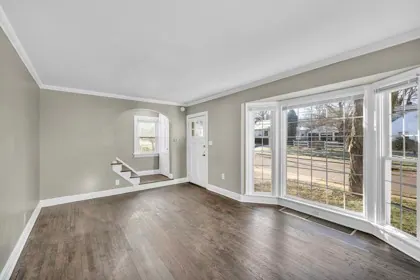 Original
 Modern
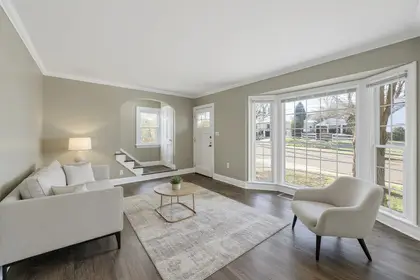 Minimalist
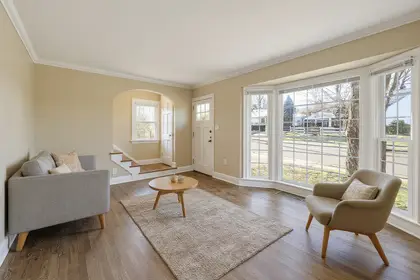 Scandinavian
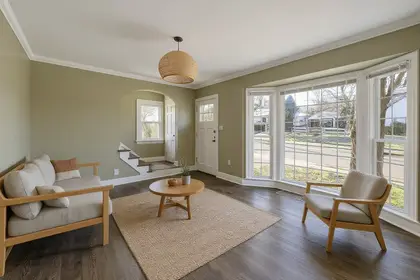 Japandi
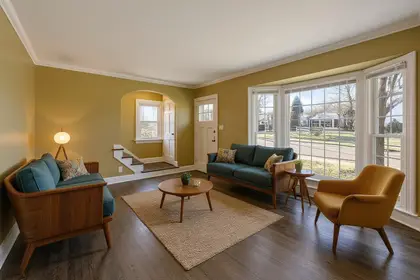 Mid-century
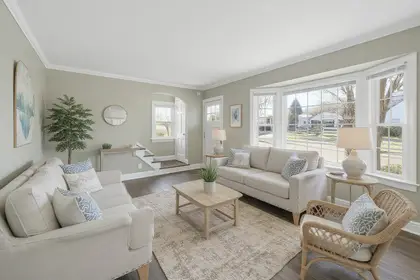 Coastal
Read more
How to Redesign a Room With AI From a Single Photo
A step-by-step guide to redesigning a room with AI: take a photo the AI can read, pick the right room type, compare styles and check the result before you spend money.
AI Room Design Tools Compared: What to Check Before You Pay
Interior AI, Decoratly, REimagineHome, Planner 5D, RoomGPT and AI Room Design compared on what matters: free trial, real price, subscription or not, and how well they keep your room.
AI Virtual Staging: How to Furnish an Empty Room From a Photo
A practical guide to AI virtual staging for empty rooms: what to photograph, which style to choose for buyers or renters, and how to label staged photos honestly.